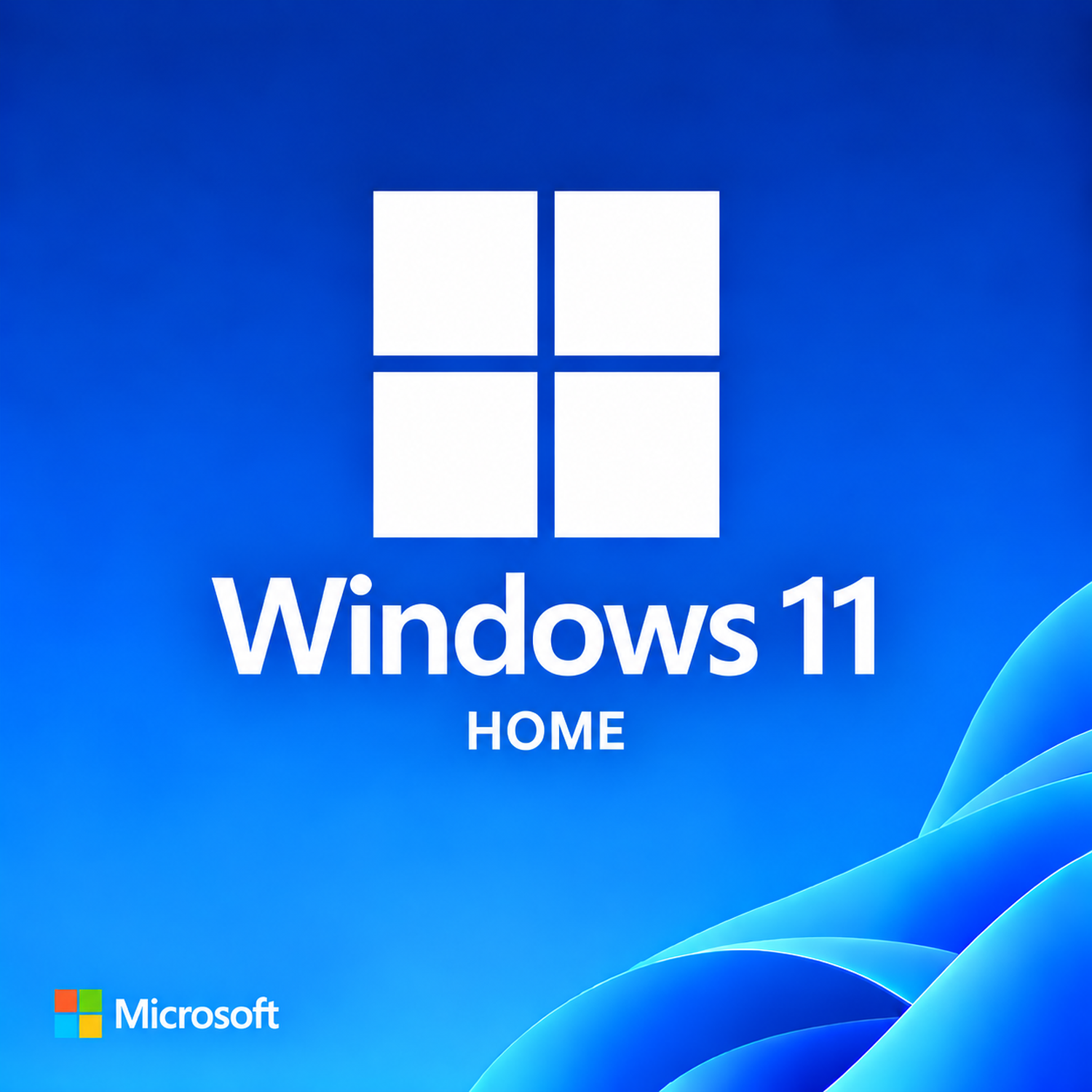
Microsoft Windows 11 Home
$49.99
| OS Supported | This product is the operating system |
|---|---|
| Processor | 1.1 GHz or faster, 2 or more cores on a compatible 64‑bit CPU |
| Memory | 4 GB |
| Disk Space | 64 GB or larger storage device |
| Display Resolution | 720p (1280 × 720) or higher, 9″ or larger |
Category: Operating Systems
Description
Overview
Windows 11 Home is the all‑new operating system from Microsoft, reimagined for the way you live, work, and play. Featuring a beautiful, centered Start Menu, Snap Layouts, Widgets, and Microsoft Teams integration, Windows 11 Home delivers a fresh, intuitive experience designed for modern families, students, and creative users. With enhanced gaming capabilities like Auto HDR and DirectStorage, it's also the best Windows ever for gaming.
Built on a foundation of security and performance, Windows 11 Home requires TPM 2.0 and Secure Boot to ensure your data stays protected from the ground up. It's the perfect choice for anyone who wants the latest design and features in a consumer‑friendly package.

Key Features & Benefits
Redesigned User Interface
Enjoy a sleek, centered Start Menu, rounded corners, new icons, and fluid animations that make every interaction feel modern and responsive. The refreshed taskbar and system tray put your most‑used apps front and center.
Snap Layouts & Snap Groups
Organize your open windows effortlessly with pre‑defined layouts. Hover over the maximize button to see layout options, and Snap Groups remember your configurations so you can switch between projects instantly.
Widgets
Get a personalized feed of news, weather, calendar events, and to‑do lists with a simple swipe or click. Widgets keep you informed without cluttering your desktop.
Microsoft Teams Integration
Connect with family and friends directly from your taskbar. Chat, call, and video conference with one click—Teams is built right in, making staying in touch effortless.
Next‑Level Gaming
Windows 11 Home unlocks Auto HDR for broader, brighter colors, and DirectStorage for faster load times on compatible hardware. Xbox Game Pass integration gives you access to hundreds of high‑quality games.
Windows 11 Home vs. Windows 11 Professional
| Feature | Windows 11 Home | Windows 11 Professional |
|---|---|---|
| BitLocker Encryption | ❌Not available | ✅Included |
| Hyper‑V Virtualization | ❌Not available | ✅Included |
| Windows Sandbox | ❌Not available | ✅Included |
| Remote Desktop (host) | ❌Not available | ✅Included |
| Active Directory / Azure AD Join | ❌Not available | ✅Included |
| Group Policy Management | ❌Not available | ✅Included |
| Ideal For | Families, gamers, and creative users | Businesses and IT professionals |
Choose Windows 11 Home for the latest design, gaming features, and consumer‑friendly tools. Choose Windows 11 Professional if your organization requires advanced security and management capabilities.
Why Choose Windows 11 Home?
Fresh, modern design
Centered Start Menu, rounded corners, and new icons
Enhanced multitasking
Snap Layouts and Snap Groups boost productivity
Built for gaming
Auto HDR, DirectStorage, and Xbox Game Pass ready
Stay connected
Microsoft Teams integrated directly into the taskbar
Personalized experience
Widgets deliver news, weather, and updates at a glance
Hardware security
TPM 2.0 and Secure Boot for peace of mind
Summary
Windows 11 Home is the operating system for a new era—beautiful, intuitive, and packed with features for creativity, productivity, and play. From the redesigned interface and Snap Layouts to built‑in Teams and next‑gen gaming, it’s designed to inspire and empower. Experience the new Windows. Choose Windows 11 Home.
System Requirements
To install and run Windows 11 Home, your PC must meet the following minimum hardware specifications:
| Requirement | Specification |
|---|---|
| Operating System | This product is the operating system |
| Processor | 1 GHz or faster, 2 or more cores on a compatible 64‑bit CPU |
| Memory (RAM) | 4 GB |
| Disk Space Required | 64 GB or larger storage device |
| Display | 720p (1280 × 720) or higher, 9″ or larger |
Note: TPM 2.0 and Secure Boot capability are required. An internet connection and Microsoft account may be required for initial setup and certain features.
Reviews (0)
Be the first to review “Microsoft Windows 11 Home” Cancel reply
Related products
Microsoft Windows 10 Home
$44.99
Microsoft Windows 10 Professional
$49.99
Microsoft Windows 11 Professional
$69.99

Reviews
There are no reviews yet.