
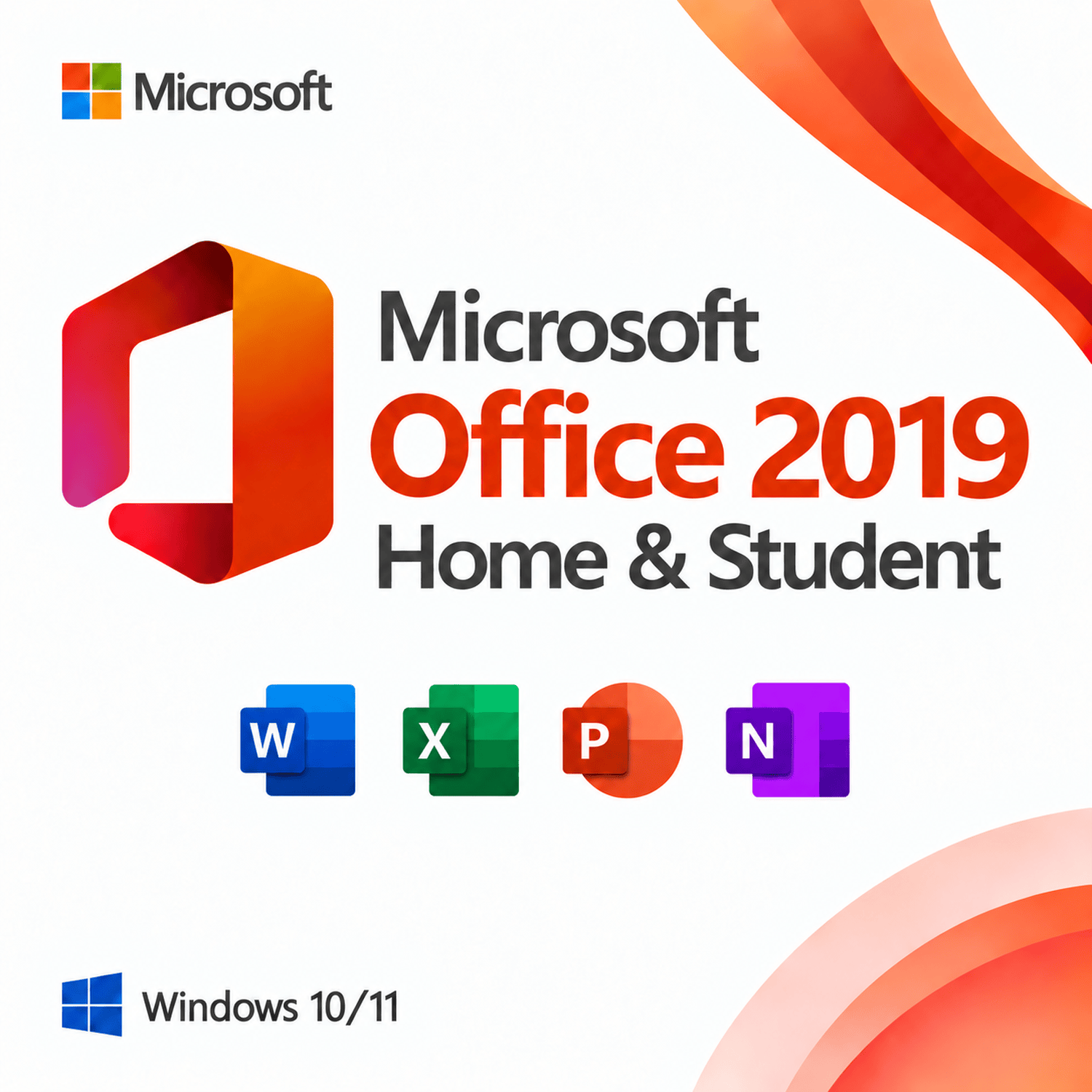
Microsoft Office 2019 Home and Student
$79.99
| OS Supported | Windows 10 or Windows 11 |
|---|---|
| Processor | 1.1 GHz or faster, dual‑core |
| Disk Space | 4 GB available |
| Memory | 4 GB (64‑bit) / 2 GB (32‑bit) |
| Display Resolution | 1280 × 768 minimum resolution |
Size and packaging guidelines
| Specification | Chair | Armchair | Sofas |
| Height | 37" | 42" | 42" |
| Width | 26.5" | 32.5" | 142" |
| Depth | 19.5" | 22.5" | 24.5" |
| Assembly Required | No | No | Yes |
| Packaging Type | Box | Box | Box |
| Package Weight | 55 lbs. | 64 lbs. | 180 lbs. |
| Packaging Dimensions | 27" x 26" x 39" | 45" x 35" x 24" | 46" x 142" x 25" |
Category: Microsoft Office
Description
Overview
Microsoft Office 2019 Home and Student is the essential productivity suite for students, families, and home users. It delivers the latest versions of Word, Excel, PowerPoint, and OneNote in a single, one‑time purchase. Whether you need to write essays, create spreadsheets, design presentations, or take digital notes, Office 2019 Home and Student provides all the core tools you need—without the ongoing cost of a subscription.
With a perpetual license for one Windows PC, this edition offers long‑term value and reliability. Pay once and use the software for as long as you need, with no recurring fees.
What's Included
Office 2019 Home and Student includes the essential Microsoft applications for everyday productivity:
| Application | Purpose |
|---|---|
| Word 2019 | Powerful word processing with intuitive formatting, built‑in templates, smart editing tools, and improved collaboration features for polished documents |
| Excel 2019 | Robust spreadsheet and data analysis with new functions (XLOOKUP, dynamic arrays), updated chart types, and enhanced data visualization tools |
| PowerPoint 2019 | Professional presentation creation with new animations, transitions, improved recording tools, and modern slide design capabilities |
| OneNote 2019 | Digital notebook for capturing ideas, class notes, research, and to‑do lists with cross‑device sync and powerful organization features |
Key Features & Benefits
One-Time Purchase, Lifetime Use
Unlike Microsoft 365, which requires a monthly or annual subscription, Office 2019 Home and Student is a perpetual license. There are no recurring charges, no renewal reminders, and no payment details to manage. It's a straightforward, cost‑effective investment that stays yours permanently.
Enhanced Inking & Drawing Tools
With improved digital pen support, you can draw, highlight, and annotate directly in documents. Perfect for students taking notes or collaborating on assignments using a touch‑enabled device.
Modern Interface
Office 2019 features a streamlined ribbon, enhanced dark mode, and an intuitive user experience that helps you find the tools you need faster and work more comfortably.
Real‑Time Collaboration
Work together seamlessly with co‑authoring in Word, Excel, and PowerPoint. Leave inline comments, track changes, and see edits as they happen—even when you're offline.
New Excel Functions
Excel 2019 introduces powerful new functions including XLOOKUP, dynamic arrays, LET, and LAMBDA, making data analysis more flexible and efficient for students and home users alike.
Office 2019 Home and Student vs. Microsoft 365
| Feature | Office 2019 Home and Student | Microsoft 365 |
|---|---|---|
| License Type | One‑time perpetual purchase | Subscription (monthly/yearly) |
| Cost Structure | Pay once, own forever | Recurring fees |
| Feature Updates | Security updates only; no major new features | Continuous feature updates |
| Cloud Storage | Not included | 1 TB OneDrive included |
| Device Coverage | 1 Windows PC | Up to 5 devices |
| Best For | Students, families, and budget‑conscious users | Users needing cloud storage and constant updates |
Choose Office 2019 Home and Student if you want a stable, predictable toolset with no recurring costs. Choose Microsoft 365 if you prefer continuous feature updates, cloud storage, and multi‑device flexibility.
Why Choose Office 2019 Home and Student?
Essential suite
Word, Excel, PowerPoint, and OneNote for all your needs
No subscription
One‑time purchase with permanent access
Latest 2019 features
Updated apps with modern tools and improved performance
Perfect for students
Tailored for academic writing, research, and presentations
Family‑friendly
Ideal for homeschooling, projects, and everyday tasks
Offline capability
Use without an internet connection after activation
Summary
Microsoft Office 2019 Home and Student delivers the trusted productivity tools you know and love—Word, Excel, PowerPoint, and OneNote—in a permanent, one‑time purchase. Perfect for students, families, and home users, this edition gives you everything you need to write, calculate, present, and organize, all without the burden of a subscription. One payment. Lifetime access. Academic and home success made easy.
System Requirements
To run Microsoft Office 2019 Home and Student, your Windows PC must meet the following minimum specifications:
| Requirement | Specification |
|---|---|
| Operating System | Windows 10 or Windows 11 |
| Processor | 1.1 GHz or faster, dual‑core |
| Memory (RAM) | 4 GB (64‑bit) / 2 GB (32‑bit) |
| Disk Space Required | 4 GB available |
| Display | 1280 × 768 minimum resolution |
Note: An internet connection is required for activation and updates. After activation, you can work offline.
Reviews (0)
Be the first to review “Microsoft Office 2019 Home and Student” Cancel reply
Frequently Asked Questions
What payment methods can I use?
We accept all major credit and debit cards, including Visa, Mastercard, American Express, and Discover. Payments are securely processed through Stripe, so your financial details are never stored on our servers.
How quickly do you process and deliver orders?
Most orders are processed within 1–2 business days. For products that involve shipping, we offer the following delivery options:
Standard: usually 4–10 business days
Express Saver: typically 2–3 business days
Overnight: next business day delivery
These timeframes are estimates, and your order may arrive sooner based on availability and destination.
How will I receive the software I purchase?
After your purchase is complete, you’ll receive an email containing your Microsoft license key and any necessary installation instructions. If your order includes a shipped component, your tracking information will be provided separately in the order confirmation.
Are the Microsoft products you sell genuine?
Yes. Every license we offer is genuine Microsoft software, sourced directly from authorized distribution partners. Your product key is fully authentic and backed by Microsoft’s activation systems.
Why are your prices lower than those on the Microsoft Store or other retailers?
We keep our prices competitive by:
- Partnering directly with authorized distributors to make volume purchases
- Running exclusive promotional campaigns and passing the savings directly to you
- Maintaining an efficient online fulfillment process that reduces unnecessary overhead
- These practices allow us to offer lower prices without compromising authenticity or support.
Can I use the license on more than one device?
Each purchase covers a single license and activation for one device, unless the product page clearly states otherwise. Please review the product description carefully to choose the right license type — whether single-device or a multi-device option.
Are there any regional restrictions? Can I use the software outside the United States?
Microsoft Office licenses from our store are region-free and can be activated anywhere in the world. Windows and most other products also activate without regional blocks. If a specific product has a geographic limitation, it will be noted on the product page before you buy.
What if my product key doesn’t work or I receive a faulty key?
If you run into any activation issue, contact our support team. We provide a lifetime replacement for any key that is genuinely defective and cannot be activated through the standard Microsoft process. We’ll resolve it for you quickly.
Can I return a product or get a refund?
Yes. We offer a 30-day money-back guarantee on unused licenses that have not been activated, redeemed, or linked to a Microsoft account. Once a license key has been used, it cannot be returned for a refund. If a key is faulty and will not activate, we will replace it at no charge. For full terms, please see our Return & Refund Policy.
What is the process for exchanging an item?
To exchange an item, email us at support@[yourdomain].com with your order number, the email address used at purchase, the name of the product, and the reason for the exchange. The item must be unused, with all included accessories and original packaging intact. We’ll then provide you with the next steps.
Do your products come with a warranty?
Yes. All of our products are covered by a warranty that protects against manufacturing defects. The warranty period varies by item and is displayed on each product page. Additionally, license keys that fail to activate are eligible for replacement under our defective key policy.
Can I buy products in bulk or request wholesale pricing?
Absolutely. If you need multiple licenses — for a business, school, or resale — reach out to our wholesale team with the product name and quantity. We’ll provide a customized quote and support your volume needs.
Do you ship internationally?
We serve customers across the United States, and many products can be delivered to international addresses as well. Some items may be restricted based on the destination. If you’re located outside the U.S., please check the product page or contact our support team to confirm availability for your country.
Related products
Microsoft Office 2019 Home and Business
$129.99
Microsoft Office 2019 Professional Plus
$179.99
Microsoft Office 2021 Home and Business
$129.99
Microsoft Office 2021 Home and Student
$99.99
Microsoft Office 2021 Professional Plus
$189.99
Microsoft Office 2024 Home and Business
$179.99
Microsoft Office 2024 Professional Plus
$189.99

Reviews
There are no reviews yet.