





Your Next Windows PC May Have a Second Brain — And It Is Not the CPU

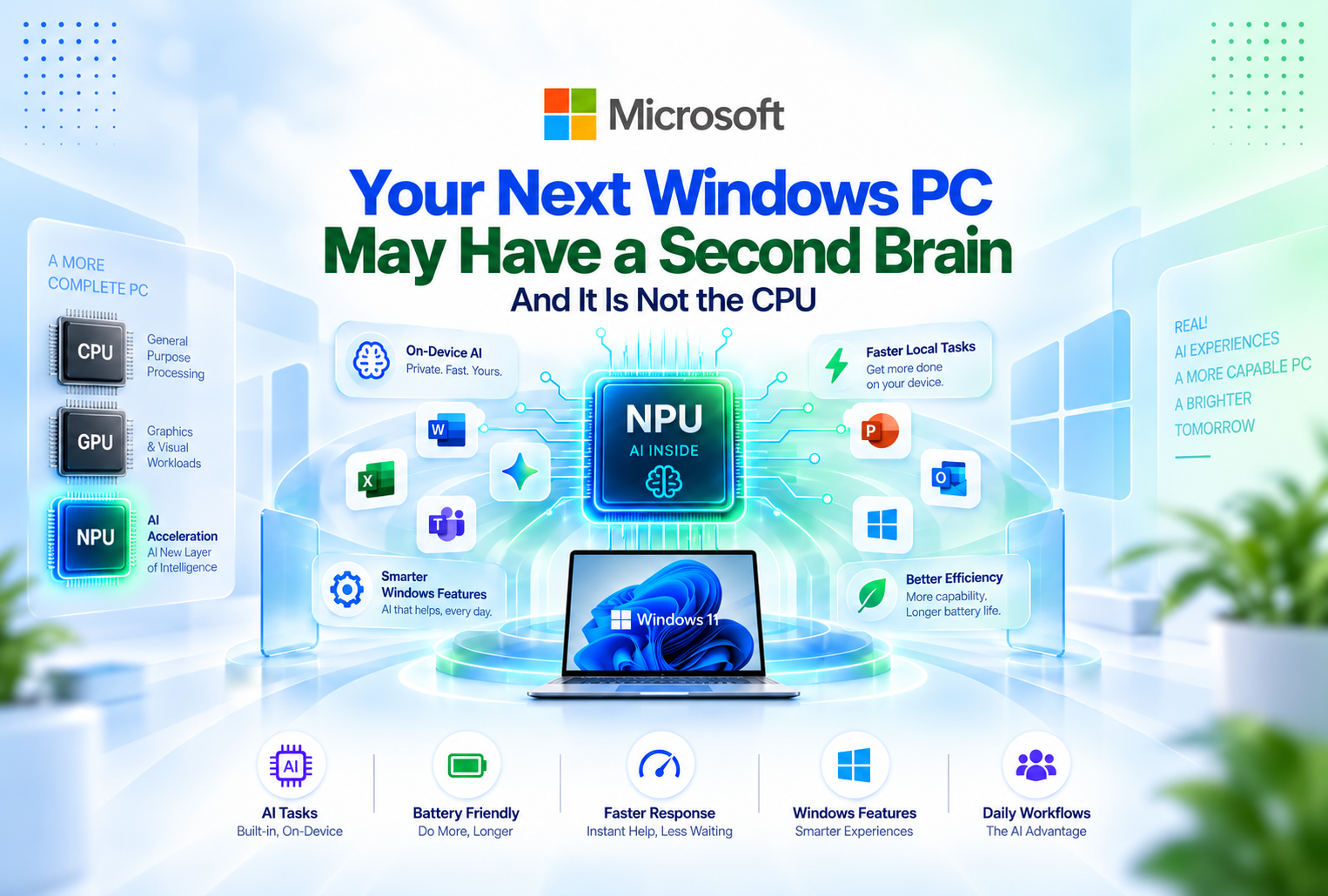
For decades, buying a new computer mostly meant looking at three things: the processor, the amount of RAM, and the graphics card.
Microsoft is now trying to add another piece of hardware to that list.
It is called the NPU, or Neural Processing Unit, and it sits at the center of Microsoft's push toward a new generation of Windows computers known as Copilot+ PCs.
Unlike a normal CPU, which handles a huge variety of general computing tasks, an NPU is designed specifically for artificial intelligence workloads. The idea is simple: instead of sending every AI task to a server somewhere on the internet, your computer can perform more of that work locally.
That may sound like another technical specification to put on a laptop box, but it could change what people expect from Windows PCs over the next several years.
WHAT EXACTLY IS AN NPU?
Every computer already has a CPU.
Many computers also have a GPU, particularly gaming PCs and machines designed for video editing or 3D work.
The NPU is another specialized processor, except its job is to handle the mathematical operations commonly used by artificial intelligence and machine-learning systems.
Microsoft requires Copilot+ PCs to include an NPU capable of more than 40 trillion operations per second, commonly shortened to 40 TOPS. These machines also run Windows 11 and meet additional hardware requirements designed around Microsoft's AI features.
The important point is not the number itself.
It is that Microsoft now considers dedicated AI hardware important enough to define an entirely new class of Windows PC around it.
WHY NOT JUST USE THE CLOUD?
Most people who have used generative AI are already familiar with cloud-based AI.
You type a request, that request is sent to powerful computers in a data center, the model processes it, and a response comes back.
That system works well, but not every AI task needs to happen remotely.
An NPU allows compatible AI workloads to run directly on the computer. Microsoft says Copilot+ PCs use their dedicated AI hardware for experiences such as translation, intelligent search, image-related features, and other local Windows functions.
Local processing can have several advantages.
It may respond quickly because the computer does not always have to wait for a remote service. Certain workloads can continue without relying as heavily on an internet connection. And some information can be processed on the device rather than being sent elsewhere.
That does not mean cloud AI is disappearing.
The more likely future is a combination of both approaches: some work happens on your PC, while more demanding requests continue to use cloud computing.
Microsoft itself describes this as a hybrid model in which workloads can be distributed between the device and the cloud.
WINDOWS IS STARTING TO CHANGE AROUND AI HARDWARE
The interesting part of Microsoft's strategy is that the NPU is not being treated as an optional accessory.
Windows itself is beginning to make use of it.
Microsoft has developed several Copilot+ experiences that depend on this hardware, including improved Windows search, Click to Do, Windows Studio Effects, Live Captions with translation, and Recall on supported systems. Availability can vary depending on the device, language, region, and Windows version.
This is a significant shift in how Windows features are developed.
In the past, a new Windows function normally had to work with the conventional CPU and GPU hardware already inside millions of computers.
Now Microsoft can create certain experiences specifically for machines that contain dedicated AI processors.
That gives software developers another type of hardware to design around.
AI COULD BECOME INVISIBLE
The phrase "AI PC" makes it sound as though users will constantly be opening an AI application and chatting with it.
That may not be where this technology becomes most useful.
Some of the most practical AI features could eventually be the ones you barely notice.
Imagine video-call software automatically adjusting your framing and background. A computer could translate speech as it happens. Search could understand the contents of local files instead of relying entirely on filenames. Image software could perform certain edits without sending the entire image to a remote server.
Several of those ideas are already appearing in Microsoft's Copilot+ PC features. For example, Windows Studio Effects can use local AI processing for video calls, while Live Captions can provide translation capabilities on supported Copilot+ devices.
This is different from simply putting a chatbot inside Windows.
The broader goal is to make AI part of ordinary computer functions.
DOES THIS MAKE REGULAR WINDOWS 11 PCS OBSOLETE?
No.
A normal Windows 11 computer does not suddenly become useless because it lacks a 40+ TOPS NPU.
Traditional PCs can still run Office applications, browsers, games, creative software, development tools, and thousands of other Windows programs exactly as users expect.
Even many AI services work perfectly well through the cloud.
Copilot+ PCs simply have access to additional on-device experiences that require specialized hardware. Microsoft explicitly distinguishes between regular Windows 11 PCs and Copilot+ PCs rather than presenting every Windows 11 machine as part of the same hardware category.
For someone purchasing a computer for basic office work, web browsing, accounting, schoolwork, or gaming, the presence of an NPU may not be the most important specification today.
But that could gradually change as more software begins taking advantage of the hardware.
THE SAME THING HAS HAPPENED BEFORE
New pieces of computer hardware often seem unnecessary until software catches up with them.
Graphics processors are a good example.
A powerful GPU was once mainly associated with gaming and specialized graphics work. Today GPUs are used for video editing, rendering, scientific computing, artificial intelligence, and countless other workloads.
Something similar could happen with NPUs.
At first, they may power a relatively small collection of special Windows functions.
Over time, developers may find more uses for them.
Photo editors could use local AI models. Video software could remove noise or backgrounds more efficiently. Productivity applications could analyze information without relying entirely on remote processing. Accessibility tools could offer better transcription and language assistance.
Not every one of those possibilities will necessarily become mainstream, but Microsoft’s decision to establish minimum NPU performance requirements suggests that the company expects this hardware category to remain important.
WHAT THIS MEANS WHEN BUYING A NEW PC
For most buyers, there is no need to abandon the usual specifications.
- Processor performance still matters.
- RAM still matters.
- Storage still matters.
A good display, keyboard, battery, and graphics hardware can matter far more than AI features depending on how the computer will be used.
But the NPU has become another specification worth understanding.
A person who plans to keep a laptop for many years may want to consider whether future AI-based Windows features are important to them. Someone who mainly wants an affordable machine for conventional software may decide that a standard Windows 11 PC already covers everything they need.
That is a much more useful way to think about the technology than assuming every new computer suddenly needs to carry an “AI PC” label.
WINDOWS IS BECOMING MORE THAN AN OPERATING SYSTEM
Microsoft’s Copilot+ strategy shows how the definition of a Windows PC is changing.
The operating system used to depend mainly on the traditional processor, memory, storage, and graphics hardware underneath it.
Now Microsoft is building Windows features around a new specialized processor designed specifically for machine learning.
That does not mean keyboards, spreadsheets, browsers, and desktop applications are going anywhere.
Instead, AI is gradually becoming another computing layer running alongside them.
The NPU may eventually become something most users barely think about, much like the many specialized chips already hidden inside modern computers and smartphones.
But right now, it represents one of Microsoft’s clearest signals about where the company believes personal computing is heading.
The next evolution of Windows may not simply be about what software your PC can run.
It may also be about how much your PC can understand and process by itself.